
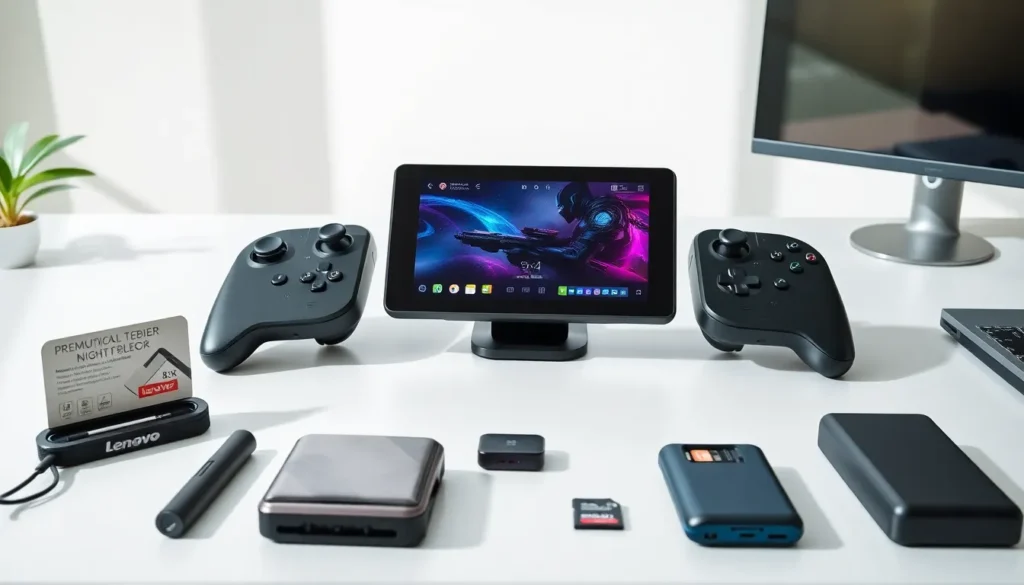

The Lenovo Legion Go delivers serious power in a portable package, but the right ideas can push this handheld even further. Whether owners want better performance, longer sessions, or entirely new uses, there’s plenty of room to experiment. This guide covers practical Lenovo Legion Go ideas that span accessories, game recommendations, customization tricks, and productivity hacks. Each suggestion aims to help users get more value from their device and discover features they might have overlooked.
Table of Contents
ToggleKey Takeaways
- Essential Lenovo Legion Go ideas include adding accessories like docking stations, power banks, and microSD cards to maximize portability and performance.
- The Legion Go runs AAA games like Elden Ring and Cyberpunk 2077 smoothly, plus handles emulation and indie titles perfectly for on-the-go gaming.
- Custom software tweaks through Lenovo Space let users fine-tune performance profiles and TDP settings for better battery life or maximum power.
- Beyond gaming, the Legion Go doubles as a portable workstation, media device, and creative tool thanks to full Windows 11 support.
- Cloud gaming and remote desktop apps like GeForce Now and Parsec extend the device’s capabilities without taxing local hardware.
Essential Accessories to Enhance Your Setup
The Legion Go ships ready to play, but a few accessories can significantly improve the experience.
Protective Cases and Screen Protectors
A tempered glass screen protector prevents scratches on the 8.8-inch display. Hard-shell carrying cases protect the device during travel. Some cases include compartments for controllers and cables, which keeps everything organized.
Docking Stations
A USB-C docking station turns the Legion Go into a desktop-style setup. Users can connect external monitors, keyboards, and mice. This setup works well for games that benefit from larger screens or more precise input. The Legion Go supports displays up to 4K, so a quality monitor makes a real difference.
External Controllers
While the detachable controllers work great, some gamers prefer dedicated options. Xbox and PlayStation controllers connect via Bluetooth. Fight game fans often grab arcade sticks for better combo execution. Racing enthusiasts can even pair compact steering wheels for simulation titles.
Power Banks and Chargers
Battery life matters on any portable device. A 65W or higher USB-C power bank extends play sessions significantly. Fast chargers reduce downtime between uses. Some users keep a charger at home and another in their bag.
MicroSD Cards
The internal storage fills up quickly with modern games. A high-speed microSD card adds hundreds of gigabytes at reasonable cost. Look for cards rated A2 or V30 for the best performance in gaming applications.
Must-Have Games for the Legion Go
The Legion Go runs Windows 11, which opens access to a massive game library. Here are some categories and titles that perform well on this hardware.
AAA Titles That Shine
Games like Elden Ring, Cyberpunk 2077, and Baldur’s Gate 3 run impressively on the Legion Go. The AMD Z1 Extreme processor handles demanding titles at medium to high settings. Frame rates stay smooth when users adjust resolution scaling appropriately.
Indie Games Perfect for Portable Play
Smaller titles often feel even better on handhelds. Hades, Celeste, and Hollow Knight deliver excellent experiences with minimal battery drain. These games suit shorter sessions during commutes or breaks.
Emulation Options
The Legion Go handles emulation extremely well. Retro gaming fans can revisit classics from older consoles. Programs like RetroArch provide access to thousands of titles from gaming history. Performance stays strong even with more demanding emulated systems.
Game Pass and Steam Library
Xbox Game Pass gives Legion Go owners instant access to hundreds of games. Steam’s massive catalog means virtually any PC title is available. Both platforms regularly offer sales, which helps build a large library affordably.
Customization and Personalization Tips
The Legion Go offers plenty of ways to make the device feel personal and perform better.
Software Tweaks
Lenovo Space provides quick access to performance profiles. Users can switch between quiet, balanced, and performance modes depending on the situation. Custom TDP settings let advanced users fine-tune power consumption and heat output.
Third-party tools like Playnite unify game libraries from different storefronts into one interface. This simplifies game management and creates a console-like experience.
Visual Customization
Skins and wraps change the device’s appearance without permanent modification. Companies offer designs ranging from carbon fiber patterns to custom artwork. Controller grips add texture and improve handling during long sessions.
Button Mapping
The Legion Go allows custom button configurations. Users can remap controls to match their preferences or optimize layouts for specific games. The back buttons offer additional inputs without requiring thumb movement.
Display Settings
The screen supports multiple refresh rates up to 144Hz. Some users prefer higher refresh rates for competitive games and lower rates to save battery during casual play. Color calibration options help achieve accurate visuals.
Productivity and Non-Gaming Uses
The Legion Go runs full Windows 11, which makes it useful beyond gaming.
Portable Workstation
With a keyboard and mouse connected, the Legion Go functions as a capable laptop replacement. Users can handle email, documents, and web browsing easily. The touchscreen adds convenience for quick tasks.
Media Consumption
The large display and quality speakers make the Legion Go an excellent media device. Streaming services, YouTube, and downloaded content all look great. The high refresh rate creates smooth video playback.
Creative Applications
Light photo editing and graphic design work well on this hardware. The touchscreen supports stylus input, which appeals to digital artists. Programs like Photoshop and Clip Studio Paint run without issues.
Remote Desktop and Cloud Gaming
Users can stream games from a more powerful PC using apps like Parsec or Steam Remote Play. Cloud gaming services like GeForce Now and Xbox Cloud Gaming extend the device’s capabilities further. These options reduce local hardware demands while providing access to demanding titles.


